OpenNebula Webinar – Seamless Migration From VMware to OpenNebula 🚀
The Open Source Cloud & Edge Computing Platform
Get Started with the New OpenNebula 6.8 🚀
Enterprise Backup Efficiency
Advanced Virtualization Capabilities
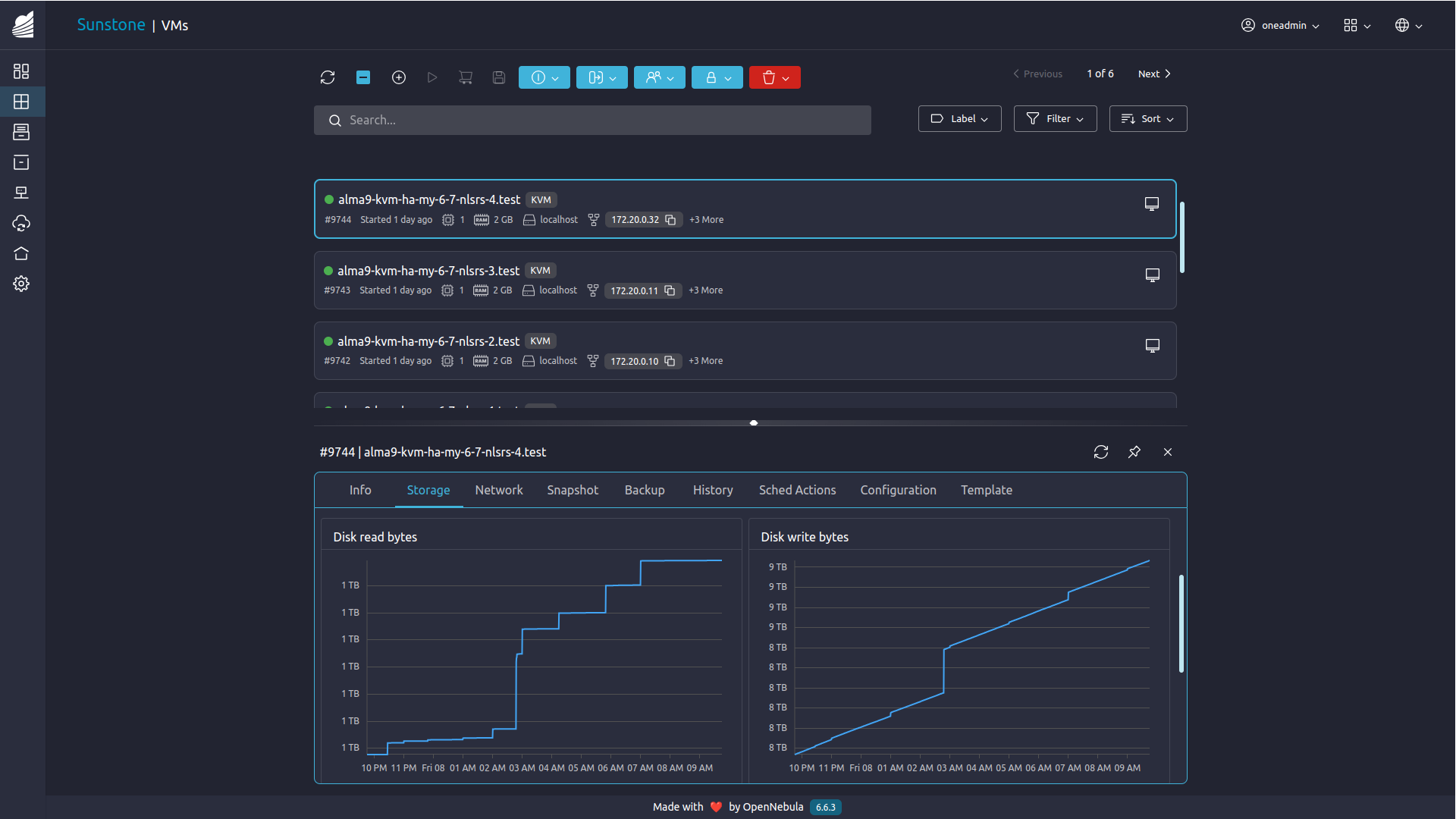
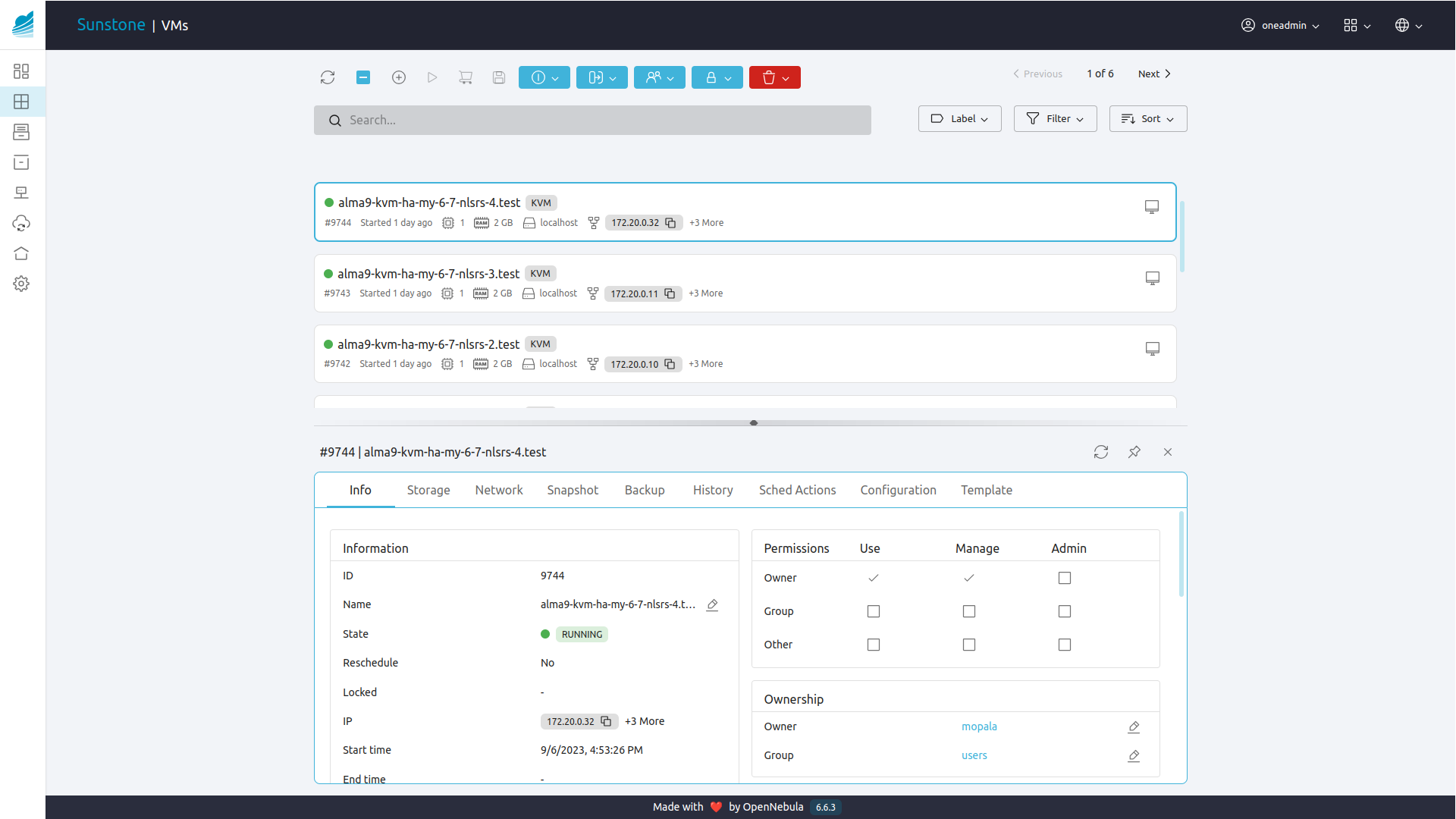
Improved GUI User Experience
Simplicity and Freedom for Your Enterprise Cloud
If you are looking for a powerful, but easy-to-use, open source platform for your enterprise private, hybrid or edge cloud infrastructure, you are at the right place.
Welcome to OpenNebula, the Cloud & Edge Computing Platform that unifies public cloud simplicity and agility with private cloud performance, security and control. OpenNebula brings flexibility, scalability, simplicity, and vendor independence to support the growing needs of your developers and DevOps practices.
Your Enterprise Cloud journey starts here! 🚀
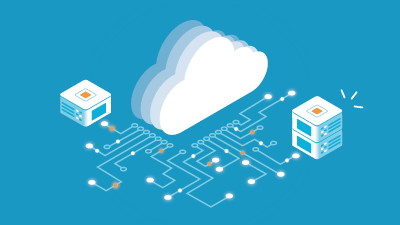
One Unified Platform to Run Applications and Process Data Anywhere
Any Application
Automate operations and manage VMs and Kubernetes clusters on a single shared environment
Any Infrastructure
Open cloud architecture to orchestrate compute, storage, and networking driven by software

Any Cloud
Combine private, public, and edge cloud operations under a single control panel and interoperable layer
Find out why OpenNebula is becoming the open source alternative to VMware
OpenNebula by the Numbers
OpenNebula Package Downloads in the Last Year
Clouds Connected to the Marketplace
Data Centers in the Largest OpenNebula Federation
Cores within the Largest OpenNebula Cloud
Our Users




Our Partners




Case Studies

MX
Empowering Millions with Financial Aptitude and Might

EveryMatrix
Ticking All The Boxes for an Enterprise Gaming Solution

UCLouvain
Innovation and Excellence for a Modern University

CEWE
Europe’s Leading Photo Service and Online Printing Supplier
Community Blog



Try OpenNebula Now
Deploy a fully-functional OpenNebula cloud for product evaluation in just a few minutes!
Deploy a front-end on VMware or KVM
Launch OpenNebula clusters on AWS
Explore the basic cloud operations